Start your server
After you've installed Endstone, you can bootstrap your server using the endstone executable. Go to the directory
where you want your server to be located and enter:
Alternatively, if you're running Endstone from within Docker, use:
The container keeps the world, plugins and configuration in the mounted data directory, so
your server survives being recreated. Set the PUID/PGID environment variables (e.g.
-e PUID=1000 -e PGID=1000) to your host user so the files stay writable.
If you prefer Docker Compose, create a docker-compose.yml next to your data directory:
services:
  endstone:
    image: endstone/endstone:latest
    restart: unless-stopped
    stdin_open: true
    tty: true
    stop_grace_period: 60s
    ports:
      - "19132:19132/udp"
      - "19133:19133/udp"
    volumes:
      - ./data:/data
and start the server with docker compose up -d.
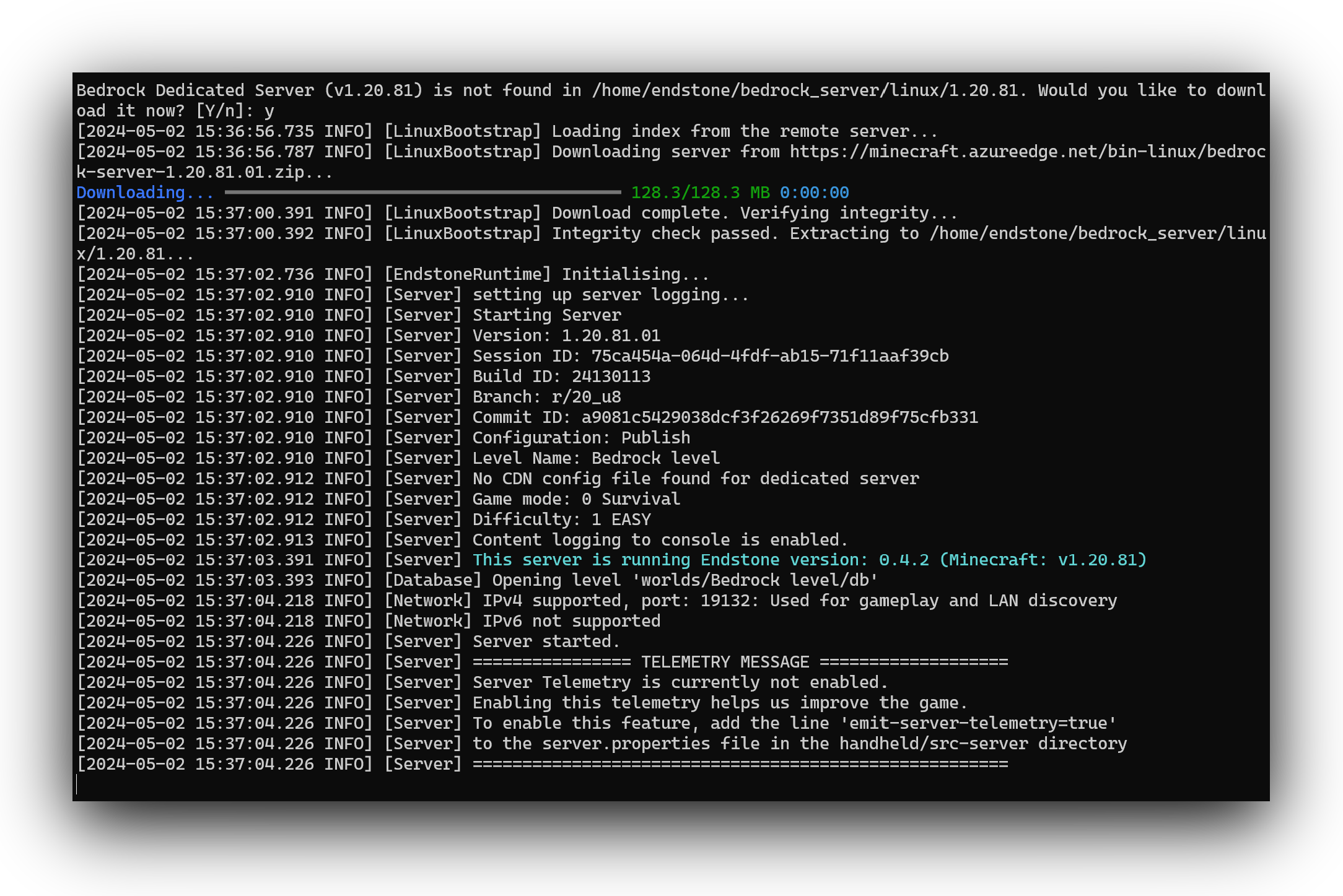
You should see this in your console:
Tip
The first time you run the bootstrap, it will need to download the Bedrock Dedicated Server from the official mirror. Press Y and Enter to continue.